IOS Security Research : Assembling the tamarin-c by stacksmashing
Introduction
While reading about all usbliter8 related stuff i did a deep dive into the whole ios security scene and discovered the work of Thomas Roth aka stacksmashing, he developed a cheap version of the infamous Kanzi cable which gives uart and jtag/swd access to iphones(if you can demote them via jailbreak).
As his tamarin cable for lightning and the successor tamarin-c are not up for sale we have to assemble them ourselves.
This post serves as a guide to assemble your tamarin-c.
 tamarins have fking aura btw
Preparation & orders
git clone https://github.com/stacksmashing/tamarin-c-hw
Install KiCad: (this is obv for windows if you have winget, if you have mac or linux go look up the respective downloads)
winget install –id KiCad.KiCad -e
We need gerber files, drill files, bom.csv, cpl.csv to place our order at jlcpcb.
What are Gerber, drill, BOM and CPL files? (click to expand)
Gerber files — the "blueprint" of the PCB. Each file describes one layer (copper traces, solder mask, silkscreen, board outline). Together they tell the fab how to etch and print your board. Usually bundled in a single .zip.
Drill files — tell the machine where to drill every hole and how big it should be (vias, mounting holes, through-hole pads). Sometimes included in the Gerber zip, sometimes separate (.drl / Excellon).
BOM (Bill of Materials) — the list of every component: what it is, how many, and the exact part number (LCSC for JLCPCB). The "shopping list".
CPL (Component Placement List) — a.k.a. Pick-and-Place. Tells the assembly robot where each part goes and in which orientation (X/Y, rotation, top/bottom). BOM says what, CPL says where.
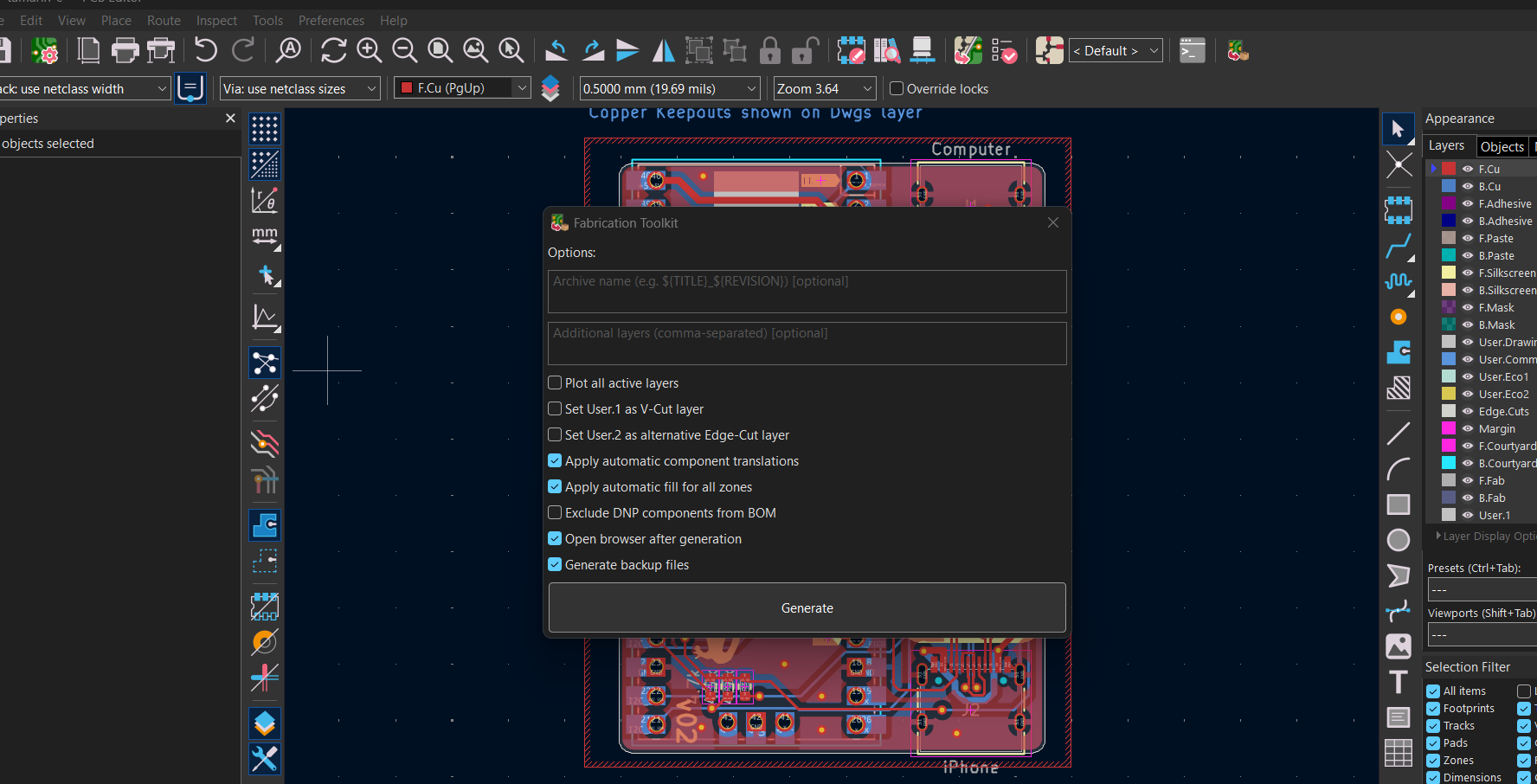
For this we can use a plugin that generates all the files in the exact way the manufacturer needs them to assemble our order.
Open KiCad -> Tools -> Plugin and Content Manager
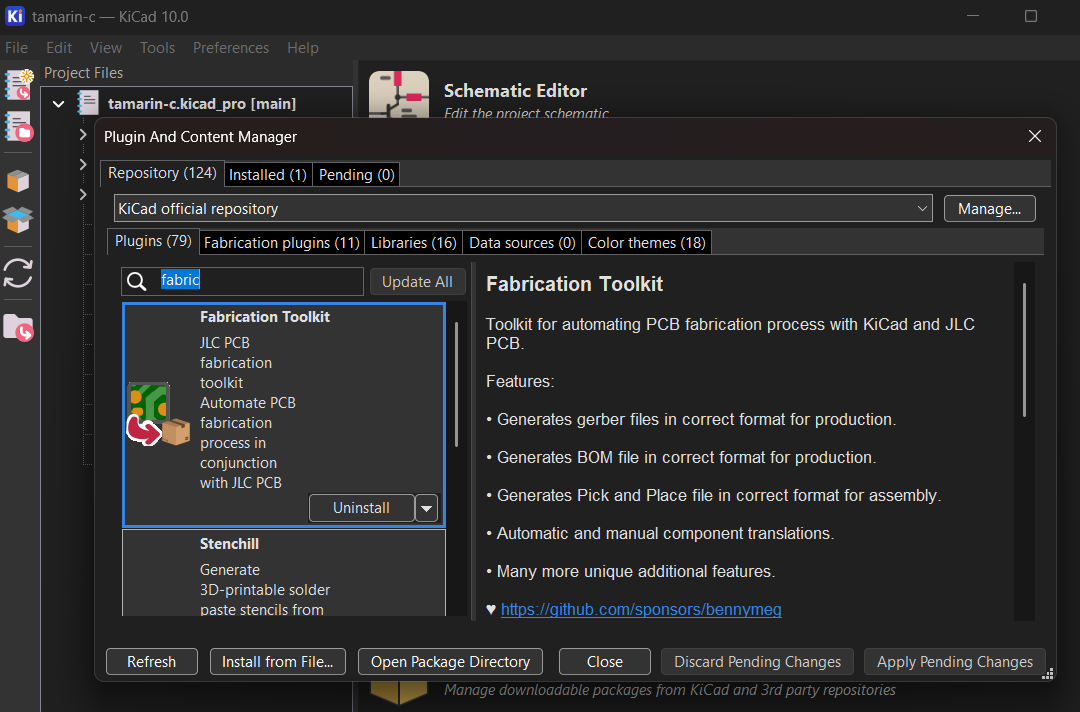 https://github.com/bennymeg/Fabrication-Toolkit <- if you want the source
Open the pcb-editor and then export the files like this:
go to jlcpcb.com, click Order Now and go through the order process
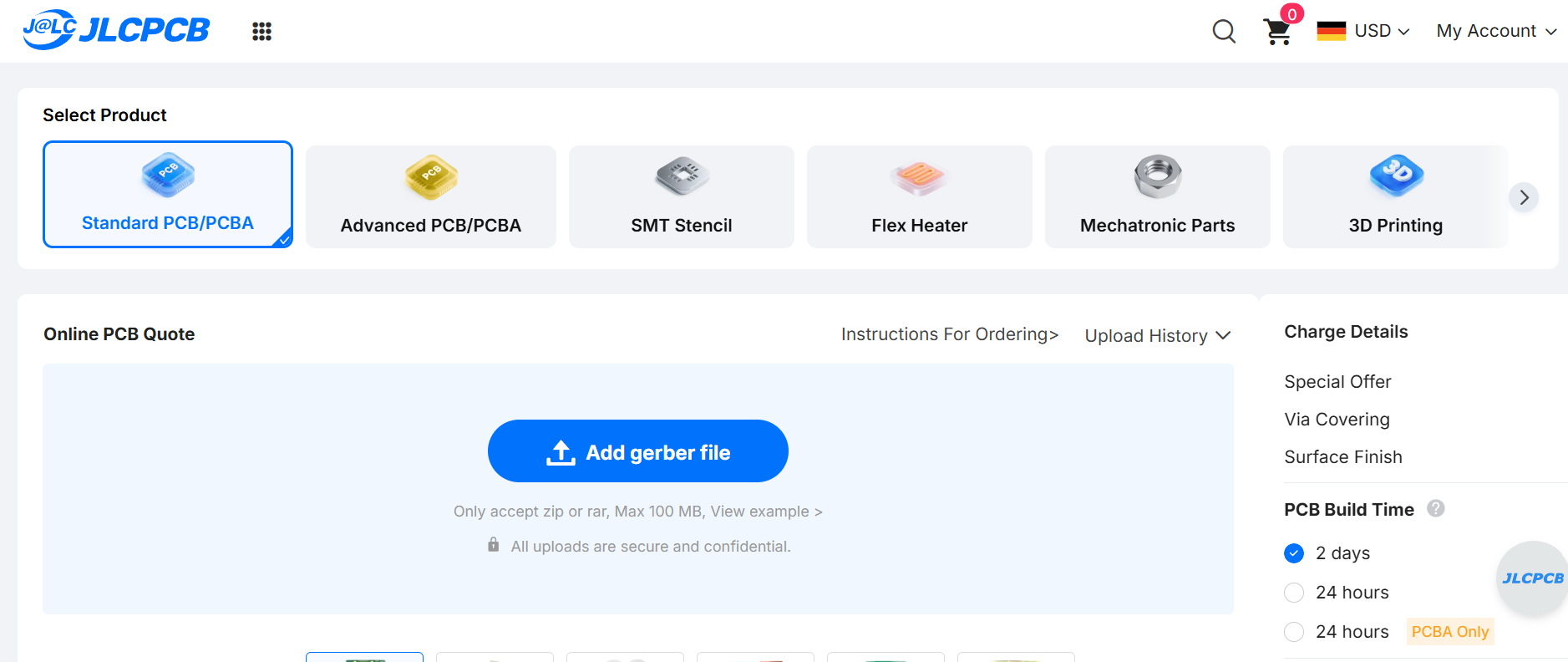 adding the gerber files
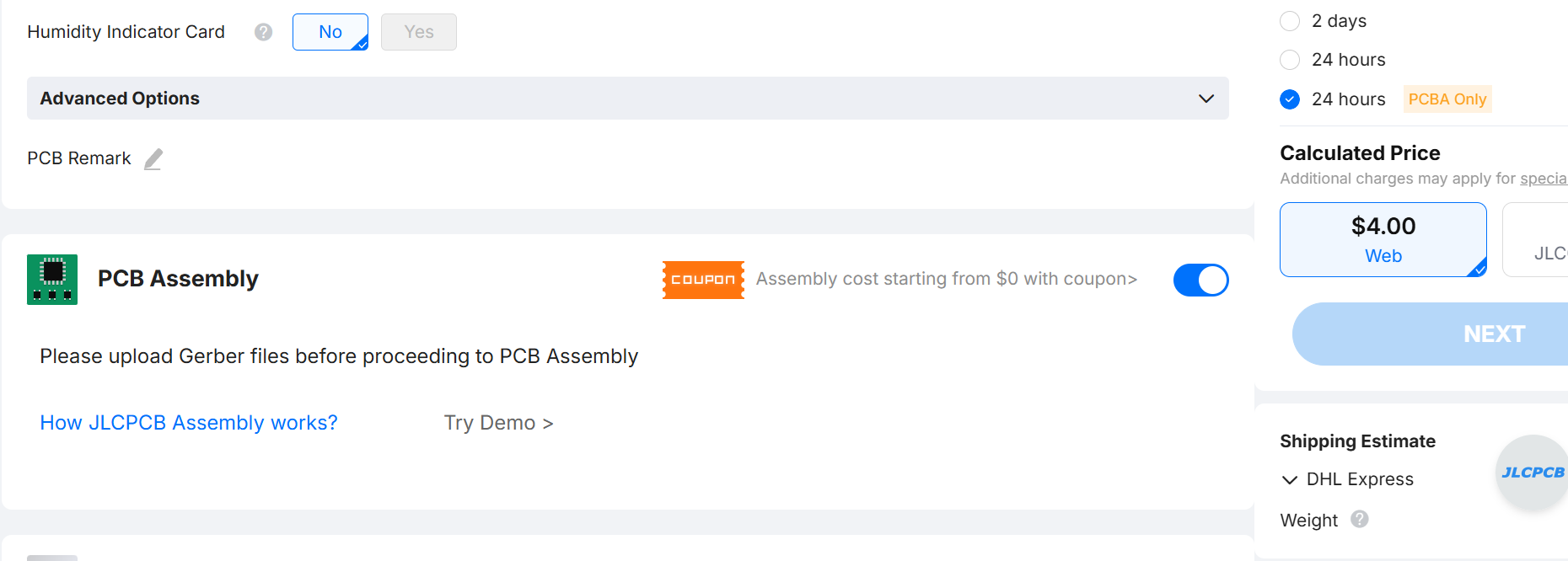 check the pcb assembly box and klick on next